# Remix IDE
## Deploying Smart Contracts Using Remix IDE
In this guide, you'll learn how to deploy a smart contract using the Remix IDE. The Remix IDE is an integrated development environment (IDE) that helps you develop smart contracts using solidity in a web browser.
### Accessing Remix IDE
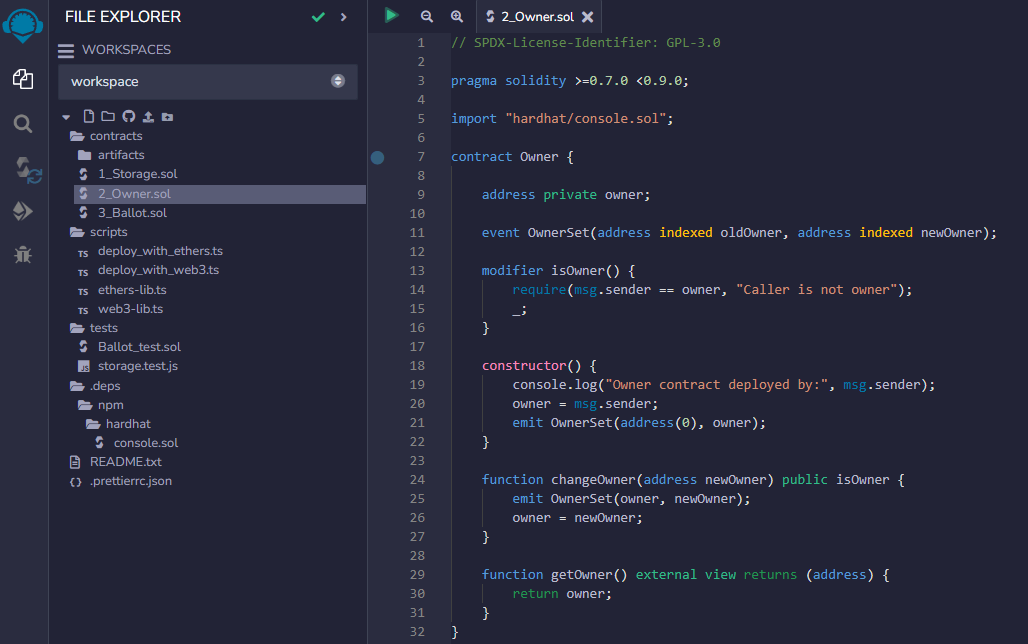
First, if you go to , you'll see that there are three files created by default.
* 1\_Storage.sol
* 2\_Owner.sol
* 3\_Ballot.sol
In this example, we'll deploy the 2\_Owner.sol contract.
2_Owner.sol
### Compiling Smart Contract
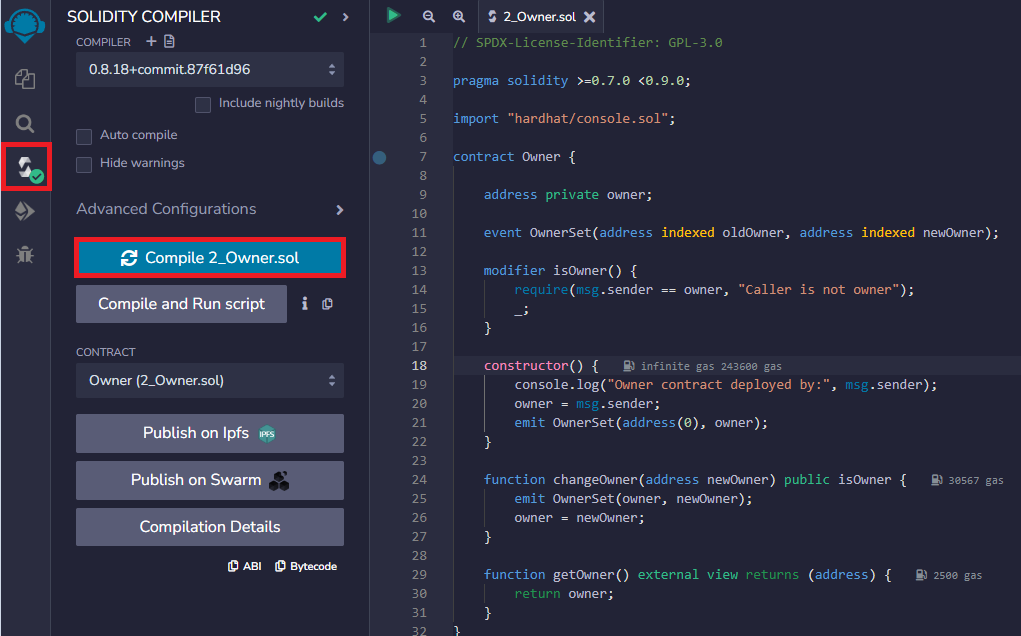
Press the Compile 2\_Owner.sol button and it will compile automatically. If the compilation completes successfully, you will see a green mark.
The photo below shows compilation complete.
### Deploying Smart Contracts
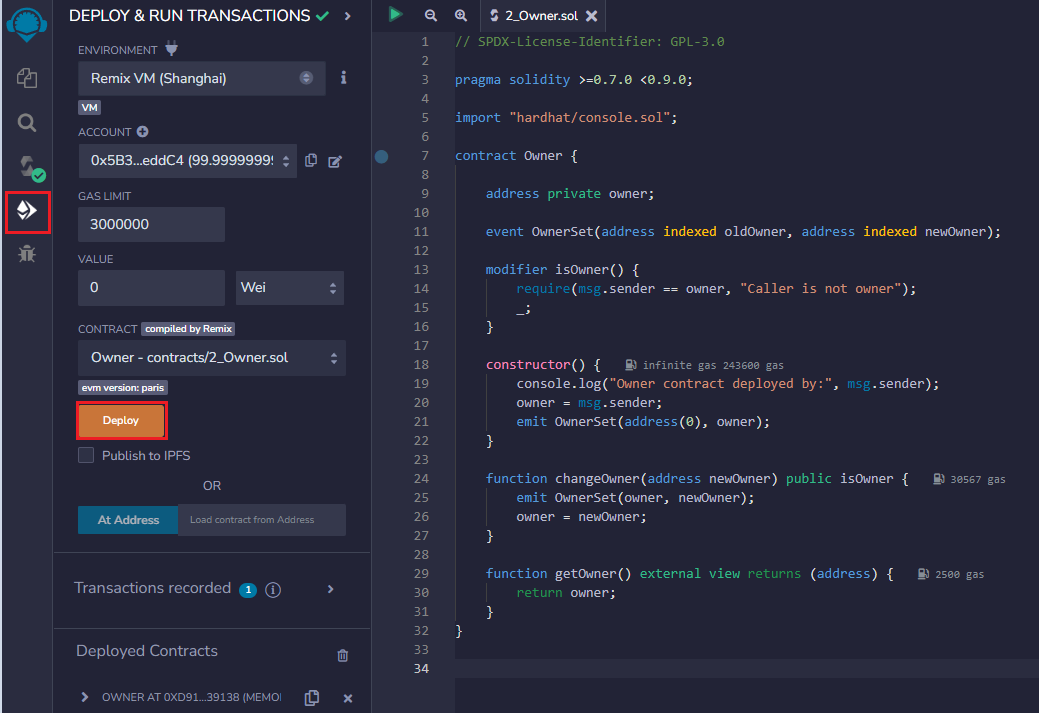
Pressing the Deploy button will automatically deploy it.
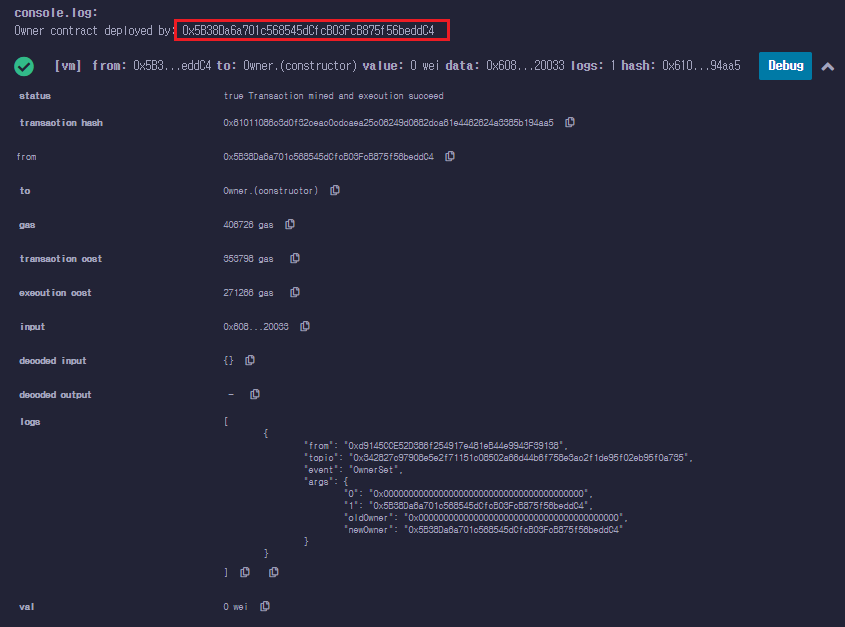
You can check throuhg the console.log that the smart contract deployed successfully.
### Wrapping Up
You have successfully deployed a smart contract using the Remix IDE. You can now use its address to call the deployed contract.